


My cookbooks
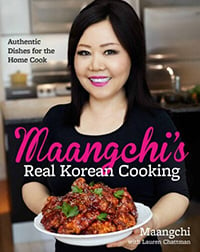
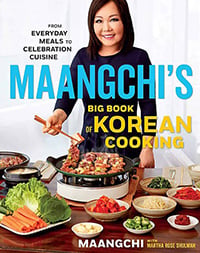
Which to get? Both are best sellers and either one is a good choice if you want to learn Korean home cooking. Maangchi's Real Korean Cooking has all the recipes for all the essential Korean pastes and sauces, but my second book Maangchi's Big Book of Korean Cooking has more recipes, more photos, and more variety.
Maangchi's recipes by category:
Kimchi
Essential Korean dish
Side dishes
Banchan makes the meal
Rice
Our most important grain
Pancakes
Savory & simple
Rice cakes
Tteok for every occasion
Stews
Jjigae is our comfort food
Noodles
Long noodles = long life!
Soups
Guk at every meal
Sundubu-jjigae
Soft tofu stew
Gimbap
Seaweed paper rolls
Desserts
Special sweet stuff
Main dishes
Consider these mains
Mandu
Korean dumplings
Anju
Drinking food
BBQ
The Korean way to grill
Fried chicken
Double-deliciousness
One bowl meals
Nutritious & convenient
Street food
Quick & fun
Easy
Anyone can make these!
Lunchboxes
Dosirak made with love
Appetizers
These could be first
Fermented
Taste of centuries
Staple ingredients
Korean cuisine basics
Mitbanchan
Preserved side dishes
Pickles
Quick-brined
Spicy
I love spicy food :)
Nonspicy
There are plenty!
Beef
For meat lovers
Seafood
Surrounded by the sea
Pork
Some new dishes to try
Chicken
Our most delicious
Vegetarian
No fish, meat or chicken
Vegan
No animal products at all
Temple cuisine
From Buddhist temples
Korean Chinese
Chinese style Korean
Snacks
Quick dishes on the run
Korean bakery
Breads & pastries
Porridges
Good for your health!
Cold dishes
Icy, cold, or just chilled
Drinks
Fruits, grains & herbs
Not Korean
Fusion and western food